
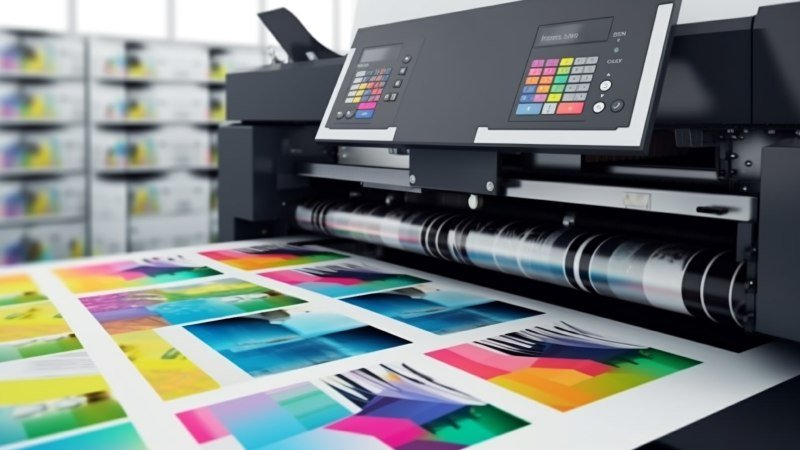
Printers play an important role in many businesses. You may use them to print invoices, contracts, reports, and customer records. However, frequent breakdowns, high supply costs, and repair delays can slow your team down. These problems can become harder to manage when you have several printers across different offices.
Managed print services can make daily print tasks easier. A service provider can help you manage printers, order supplies, fix faults, and control costs. Some providers also offer tools to protect private documents and track print use. However, their prices and services can vary. A careful comparison helps you find a provider that meets your needs.
Before you sign a contract, look at more than the monthly price. Compare these five key areas to make a sound choice for your business.
1. Service Costs and Contract Terms
Cost is one of the first things you should compare. However, the cheapest plan may not give you the best value. Check what each provider includes in its price. Some plans cover printer repairs, toner, parts, and staff support. Others charge extra for these services. Ask for a full price list so you know what you will pay.
Compare monthly fees, equipment costs, and the price per printed page. Check whether repairs and new parts are included. Ask about extra charges for color prints or high print volumes. You should also find out if the price can change during the contract. These details help you plan your budget and avoid surprise costs.
Carefully read the terms of the contract prior to making a decision. Look at how long the contract is, when it will renew, and what would happen if you decided to cancel early. See if it is possible for you to modify your plan when your printing requirements change. Therefore, the best managed print services would provide clear pricing and terms.
2. Equipment Options and Fleet Coverage
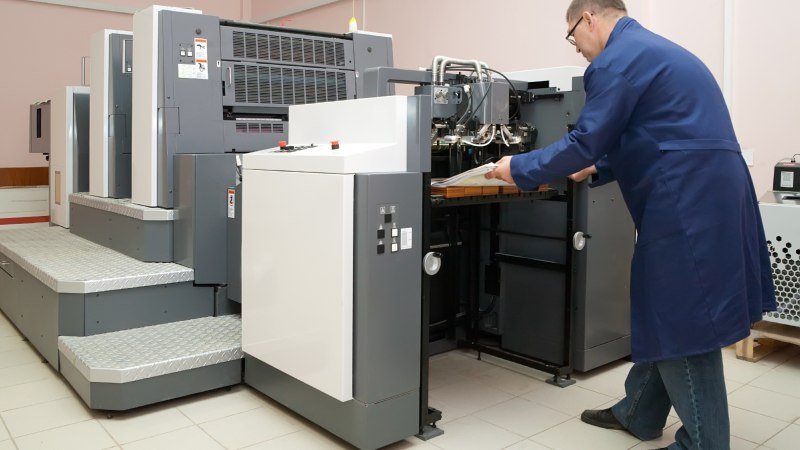
Your business may use printers, copiers, and machines that scan and print. Each device may serve a different team or task. Ask if the provider can manage all the machines you use. A good provider should first review your current setup. This helps them suggest the right tools for your daily work.
Check whether the provider can support different printer brands and models. Some teams print large reports, while others only need basic office documents. Your provider should understand these needs before suggesting new devices. Also, ask if they can find old or unused printers. Removing extra machines can lower costs and make your print setup easier to manage.
If your business has more than one office, check where the provider offers support. Ask if staff can get help at every site. Find out if the provider can track printers from one place and send local repair staff when needed. You should also check whether the service can grow with your business. This will help you avoid changing providers as your needs change.
3. Technical Support and Response Times
A broken printer can delay important work. Your staff may be unable to print invoices, client records, or reports when they need them. That is why you should check how each provider handles faults. Look for clear support hours, skilled repair staff, and simple ways to report a problem.
Ask how soon the provider responds to a service request. Also, find out how long repairs usually take. These are two different things. A provider may reply to your call quickly but take much longer to fix the printer. Check whether urgent faults get faster help. A clear service agreement should explain what you can expect.
Regular checks can also prevent sudden breakdowns. Ask whether the provider checks printers for worn parts and common faults. Find out if they can spot problems before a machine stops working. You should also have one clear contact for support. This saves time and helps your staff get the right help without making several calls.
4. Security Features and Compliance Standards

Printers can pose a risk when your business handles private records. For example, an employee may leave a report near a shared printer. Another person could pick it up by mistake. Such risks matter when you work with patient records, bank details, or legal files. Ask each provider how they keep printed data safe.
Look for secure pull printing and user checks. With secure pull printing, staff must verify their identity before they collect a print job. User checks can also limit access to certain teams. Ask if the provider uses data encryption to protect files sent to printers. These tools help stop the wrong people from viewing private documents.
Moreover, your specific industry might have its own regulations for the security of data. For instance, healthcare organizations must adhere to HIPAA rules while handling patient information. Banks and law firms are required to have strong measures for controlling data. Therefore, inquire whether the printer can comply with your existing regulations regarding data security.
5. Reporting Tools, Print Quality and Scalability
You need clear reports to understand how your staff uses printers. Ask what data each provider can share with you. Useful reports show how many pages each device prints, how much toner it uses, and which teams print the most. These details help you spot waste and find ways to cut costs.
Print quality also matters, especially if your business uses branded documents. Ask whether the provider can keep colors the same across all your printers. G7 color management is one standard that helps maintain consistent colors across different print devices. This can help your reports, letters, and other printed materials match your brand style across different offices.
Your print needs may change as your business grows. Choose a provider that can add devices and support new office sites when needed. Ask if the service includes automatic toner orders and regular printer checks. Digital tools that route documents can also save staff time. These features help you manage print tasks as your business takes on more work.
Conclusion
Choosing managed print services takes more than a quick price check. You should compare costs, contract terms, printer support, repair times, and data safety. Also, look at print quality and the reports each provider offers. These factors help you see what you will get for your money. A clear comparison can also help you avoid extra costs and poor service later.
Start by listing your printers, monthly print costs, and common service issues. Then ask providers for clear quotes and compare what each plan covers. The right service can cut waste, reduce repair delays, and make daily print tasks easier for your team. It can also free your staff to focus on their main work instead of printer problems.